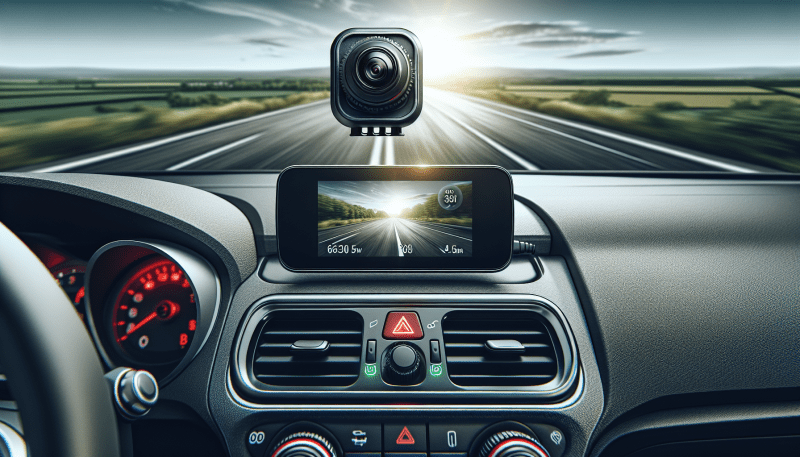
When you're on the road, having a good dash camera can be a lifesaver. It not only captures funny moments but also helps protect you in case of an accident. Here are some top picks that suit every driver's needs!
1. Nextbase 522GW
This dash cam is perfect if you want high-quality footage without breaking the bank. It's user-friendly, and setting it up is a breeze.
2. Vantrue N2 Pro
If you're ridesharing or just want extra peace of mind, the N2 Pro has you covered. It gives you more angles and keeps an eye on everything happening inside and outside.
3. Garmin Dash Cam 66W
This tiny camera packs a punch with its advanced features. Its ability to respond to your voice keeps distractions to a minimum, allowing you to focus on driving.
Essential Features to Consider
When you're choosing a dash camera, a few key features can make a world of difference. First off, think about video quality. You want something that records in at least 1080p. This clarity helps capture important details like license plates and road signs in case of an incident. Some models even offer 4K video, which provides even sharper images.
Next up is the field of view. A wider angle means your camera can capture more of the surroundings, which is especially helpful for getting a full picture of any accidents. Look for options with a 120-degree field of view or wider. This way, you won’t miss anything happening to the sides of your vehicle.
Another essential feature is accident detection. Many modern dash cams come with G-sensors, which automatically save footage when a collision is detected. This feature prevents critical evidence from being overwritten and saves you a lot of hassle later.
Don’t forget about ease of use. Some cameras offer smartphone connectivity, letting you easily review footage and adjust settings right from your phone. Look for user-friendly interfaces and quick installation to keep things straightforward.
Lastly, consider night vision capabilities. If you're often driving at night, this feature is crucial. Good low-light performance ensures you still get clear footage in dim conditions, which is just as important as daytime recording.
Budget Friendly Options Available
If you're looking for a solid dash cam without breaking the bank, you're in luck! There are plenty of budget-friendly options that pack a punch without costing a fortune. These cameras offer essential features like 1080p video recording, wide-angle lenses, and loop recording, ensuring you capture all the action on the road.
One great pick is the VIOFO A119 V3. Priced around $100, this dash cam delivers impressive video quality and has a discreet design. You’ll love the reliable performance and the ability to capture those unexpected moments without any hassle.
Another fantastic option is the Vantrue N1 Pro, which offers great features for under $100. With its good night vision and user-friendly interface, it’s perfect for everyday drivers. You’re getting a lot of bang for your buck with this one!
Don’t forget about the APEMAN 1080P. This little gem costs about $50 and still delivers solid video quality. It’s compact and simple to use, making it a no-brainer for anyone who just wants reliable recording on the road.
With so many budget-friendly dash cam options out there, you can easily find one that meets your needs without emptying your wallet. Get the peace of mind that comes with having a dash cam while sticking to your budget!
How to Install Your Dash Camera
Installing your dash camera doesn’t have to be a headache. In fact, you can usually get it set up in just a few minutes. Let’s break down the steps to make it super easy.
First things first, unpack your dash camera and read through the quick start guide included in the box. It often has helpful tips specific to your model. Here’s a quick checklist of what you’ll need: your camera, a power cable (usually included), a memory card, and a mount.
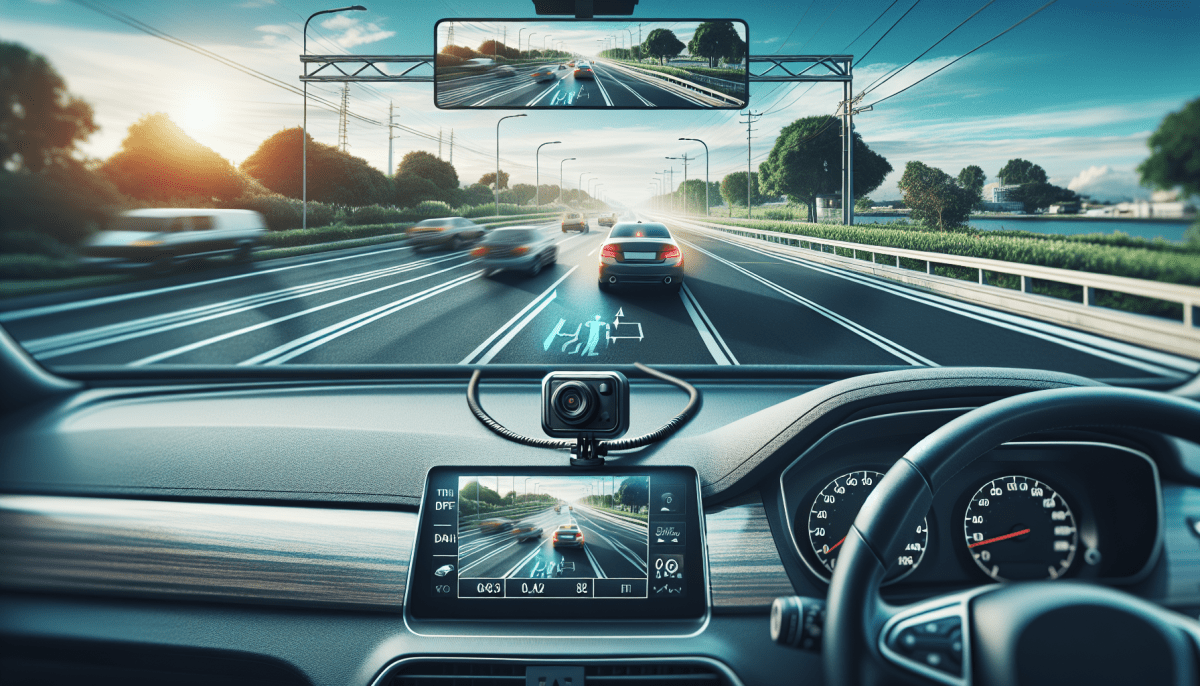
Next, decide where you want to place the camera on your windshield. The ideal spot is behind your rearview mirror for the best view and to keep it out of your line of sight. Clean the area with an alcohol wipe or a glass cleaner to make sure it sticks properly. Then, attach the mount to the windshield. Most mounts use an adhesive pad, so press it firmly in place.
After securing the mount, slide the camera onto it. Plug the power cable into your dash camera and route the cable along your windshield, tucking it into the corner for a clean look. You can use a trim tool to help if it’s a bit tricky getting it to stay put. Finally, connect the other end to your car's power outlet, usually found near the center console.
Don’t forget to format your memory card in the camera before you start recording. Once everything is hooked up, turn on your vehicle and check your dash camera’s settings. Adjust the angle and settings according to your preferences, and that’s it! You’re now ready to hit the road with confidence, knowing your dash camera has your back.